Start with the question, not the formula
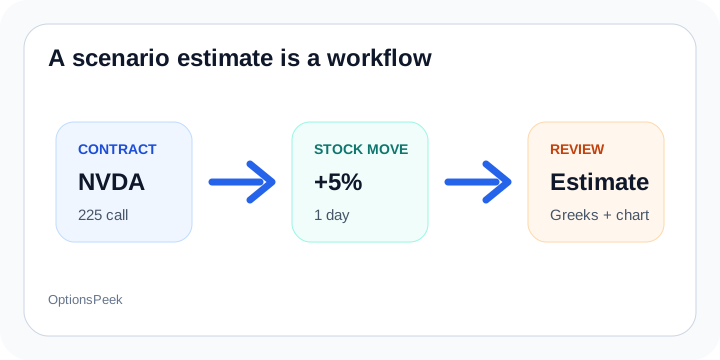
Most traders do not start with a pricing formula. They start with a scenario: if NVDA rises 5%, what could this call do? If SPY drops 3%, what could this put be worth? That is the question OptionsPeek is built around.
The calculator is useful because it keeps the contract details, stock move, Greeks, implied volatility, and time horizon in one place. That makes the estimate easier to inspect than a number pulled out of context.
Why assumptions matter
Option estimates change when Delta, Gamma, Theta, Vega, IV, stock price, and option price change. A good scenario calculator should not hide that. It should make those assumptions visible enough that you can decide whether the output makes sense.
That is why OptionsPeek treats the result as an estimate, not pricing truth. The point is to frame a possible outcome before you make a decision, not to pretend the market has already agreed with the model.
What to review in OptionsPeek
Start with the Option contract scenario card and review the contract, market-data timestamp, stock move, IV and time assumptions. Calculate, then use the Estimate Summary and Greeks Breakdown to see the result and its main drivers.
Choose Explore charts to examine stock price, IV and elapsed days on the dedicated exploration page. Changes update a live preview; Recalculate submits the current assumptions for a new estimate. Return to the calculator or continue to Profit / Loss with your working inputs.
If the estimate surprises you, check which assumptions changed and whether the inputs still represent the question you meant to ask.
Save the question you want to revisit
Use Save to keep a hypothetical scenario. Browser saves stay in this browser; Account saves are available on your other devices when you sign in to the same account. Saving is an explicit action.
Loading restores the saved assumptions rather than automatically replacing them with current quotes. Review the expiration and market-data timestamp, change values as needed, then calculate. That keeps the saved setup useful as a starting point for your next question.