Start with the contract and the stock move
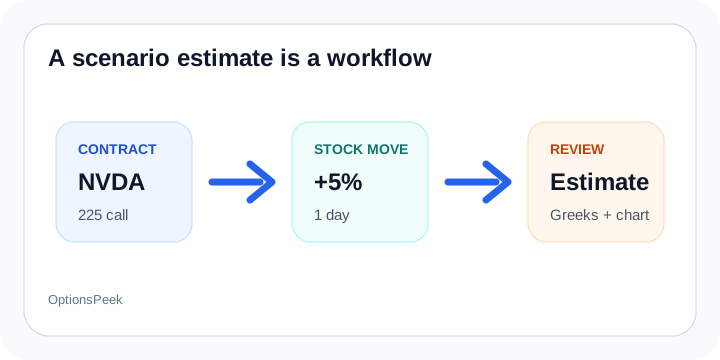
An option price after stock move estimate needs two things first: the contract you care about and the stock move you want to test. In OptionsPeek, that means ticker, call or put, expiration, strike, base stock price, and a dollar or percent move.
When market data is available, the contract scenario card can help resolve current expirations, nearby strikes, option price, Greeks, and implied volatility. When it is not available, manual and Qurxa-entered values remain editable.
Why it is an estimate
The output is not a live quote or a guarantee. It is a Black-Scholes-style scenario estimate driven by the assumptions shown on the page: stock move, time horizon, Greeks, current option price, and IV settings.
That distinction matters. The estimate helps you think through a possible option value before you act, while the market still decides the actual bid, ask, spread, and execution price.
What to review after calculating
After the estimate loads, look at the option change, new option price, Greeks Breakdown, chart, and Profit / Breakeven view together. The fast answer is useful, but the supporting views explain why the estimate moved.
If the move is large, expiration is close, or implied volatility may change after an event, rerun the scenario with more conservative assumptions before treating the number as a planning anchor.