Start from the live scenario controls
A static TSLA example is only a doorway. The sustainable workflow is to open the scenario, confirm the ticker, select an expiration, choose a market strike, and calculate from current contract assumptions.
That keeps the page useful even as TSLA price levels, nearby strikes, and option prices change.
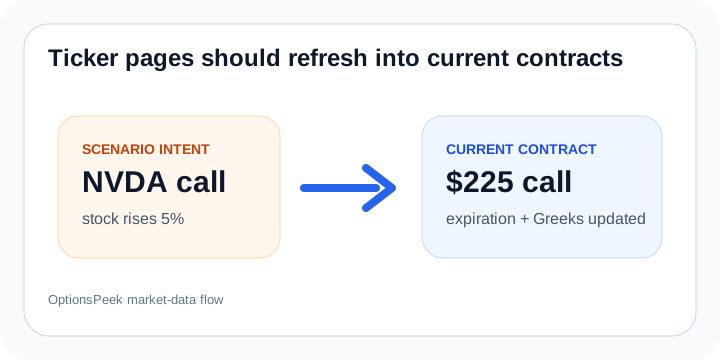
Be explicit about the stock move
TSLA traders often think in both dollar moves and percent moves. OptionsPeek supports both so you can model a stock up $8, down $12, up 5%, or any other scenario without changing the contract fields by hand.
The result summary should be read as an estimate for that chosen move, over the selected time horizon.
Use the chart for nearby outcomes
If the target price is uncertain, the stock price chart helps show how the estimated option price changes across nearby stock levels. That is often more useful than anchoring on one exact TSLA print.
Use the chart, Greeks, and Profit / Breakeven view together before deciding whether the scenario is strong enough to guide a plan.