What shipped
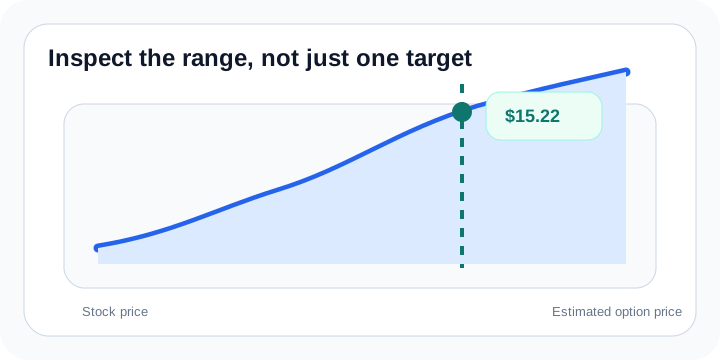
The new chart adds a visual layer to the existing estimate flow. Instead of only seeing one scenario output, you can inspect a range of stock prices, drag across the curve, and apply the selected price back into the calculator move.
That turns the chart into a planning surface instead of just a decorative add-on.
Why it matters
For traders who plan around stock movement ranges instead of one exact print, the chart makes the estimate more intuitive. It also lays the groundwork for future chart exports, blog images, and richer scenario tools over time.
chart
staging
release notes
product updates