What changed
The expiration picker is now grouped so short-term and monthly dates are easier to scan. Strike suggestions can be paged lower or higher, and the labels are written by strike direction rather than generic previous and next wording.
OptionsPeek also displays company names when available, which makes it easier to confirm that the ticker and contract belong to the scenario you meant to build.
Why it helps
Contract selection should feel like part of the scenario workflow, not a separate chore. Clear expiration groups, directional strike paging, and company-name confirmation reduce the chance of reviewing the wrong setup.
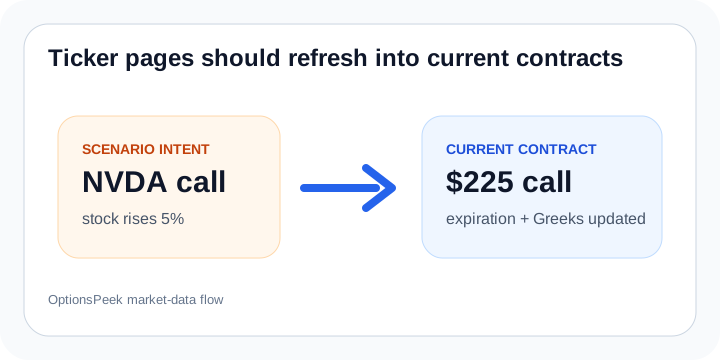
The result is a smoother path from a broad idea like a TSLA call or NVDA put into a specific contract that can be estimated and reviewed.
expiration
strike selection
contract details
product updates