Keep the setup you already entered
OptionsPeek now lets you save a hypothetical option scenario in your browser and return to it later. The saved setup includes the contract and the assumptions you entered, so you can revisit a stock move, volatility change, or time horizon without rebuilding the scenario from memory.
Open Actions on the scenario and choose Save this contract. Open Saved scenarios from the same menu to find it again. Each save starts with a contract-based name; Rename lets you give it a name that describes the question you were exploring.
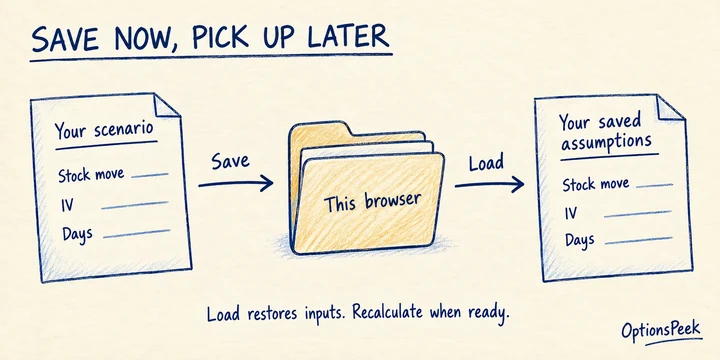
Load assumptions, then review the estimate
Loading a save restores its inputs, units, and Profit / Loss assumptions. It checks that the ticker can be used, while preserving the values and market timestamp that belonged to the saved setup. Loading does not automatically replace those values with fresh quotes or submit a new calculation.
Review the restored contract, dates, and market-data timestamp before continuing. Update the inputs or fetch current contract values when appropriate, then calculate. A saved scenario is a set of hypothetical assumptions, and its estimate is not a guaranteed market price.
Keep your list useful
After loading a scenario, edits to the same contract can update that save. Rename useful scenarios so you can recognize them quickly. Delete removes an entry, and Undo gives you a way to reverse that removal. Expired scenarios cannot be loaded; Remove expired helps clear them from the list.
Browser saves belong to this browser and site. Clearing browser data removes them, and private browsing may not retain them. When signed in, check Saved scenarios location to distinguish Browser from Account. Account saving is available when you want to continue on another device.