What changed
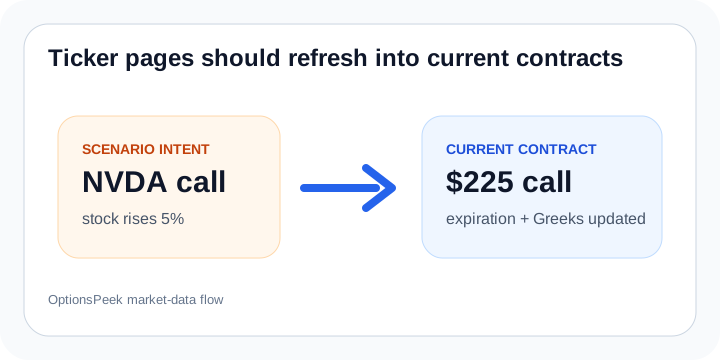
Curated ticker pages now work more like scenario starters. A page can describe a stable idea, such as a stock rising or falling by a chosen amount, then open OptionsPeek with current scenario fields for review.
That means the public page can stay useful without pretending an old strike, old expiration, or old option price is still the right contract today.
Why it helps
Ticker scenarios are useful for examples, search, and quick starting points, but the actual estimate should happen with current values and visible assumptions.
Open the scenario, confirm the contract, adjust the move if needed, then calculate and review the Estimate Summary, chart, Greeks Breakdown, and Profit / Breakeven view together.
scenario pages
ticker scenarios
current contract
product updates