What Qurxa tries to detect
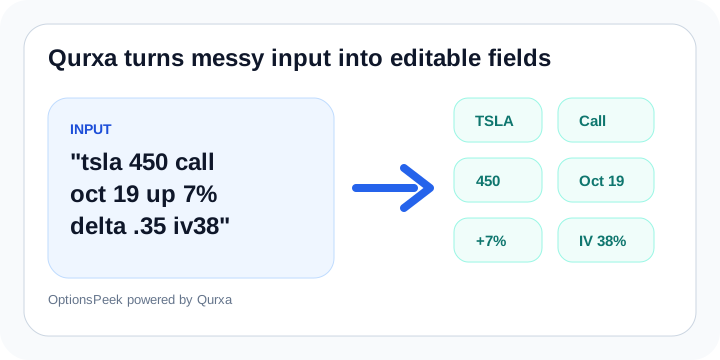
From text or screenshots, Qurxa can look for ticker, call or put, strike, expiration, stock move, current stock price, option price, Greeks, and implied volatility when those details are present.
The goal is not magic. The goal is to reduce manual entry and give you a structured starting point you can review.
Why review still matters
Screenshots can be cropped, stale, blurry, or missing context. OCR can also misread characters. That is why OptionsPeek keeps the parsed fields editable and treats manual values as authoritative.
If Qurxa fills a value that looks wrong, change it before calculating. The estimate is only as useful as the assumptions behind it.
Where this helps most
The screenshot flow is most useful when you are moving quickly: copying a contract from a broker screen, reviewing a shared setup, or saving a scenario from mobile.
Once the details are in OptionsPeek, you can refresh market data when available, adjust the stock move, and inspect the estimate summary, chart, Greeks, and breakeven view.